GPS golf watch or screenless swing tracker?
Standing over an approach shot, you might want the distance to the green. On the practice tee, you might want to know why one swing felt rushed. Those questions call for different measurements.
Compare the options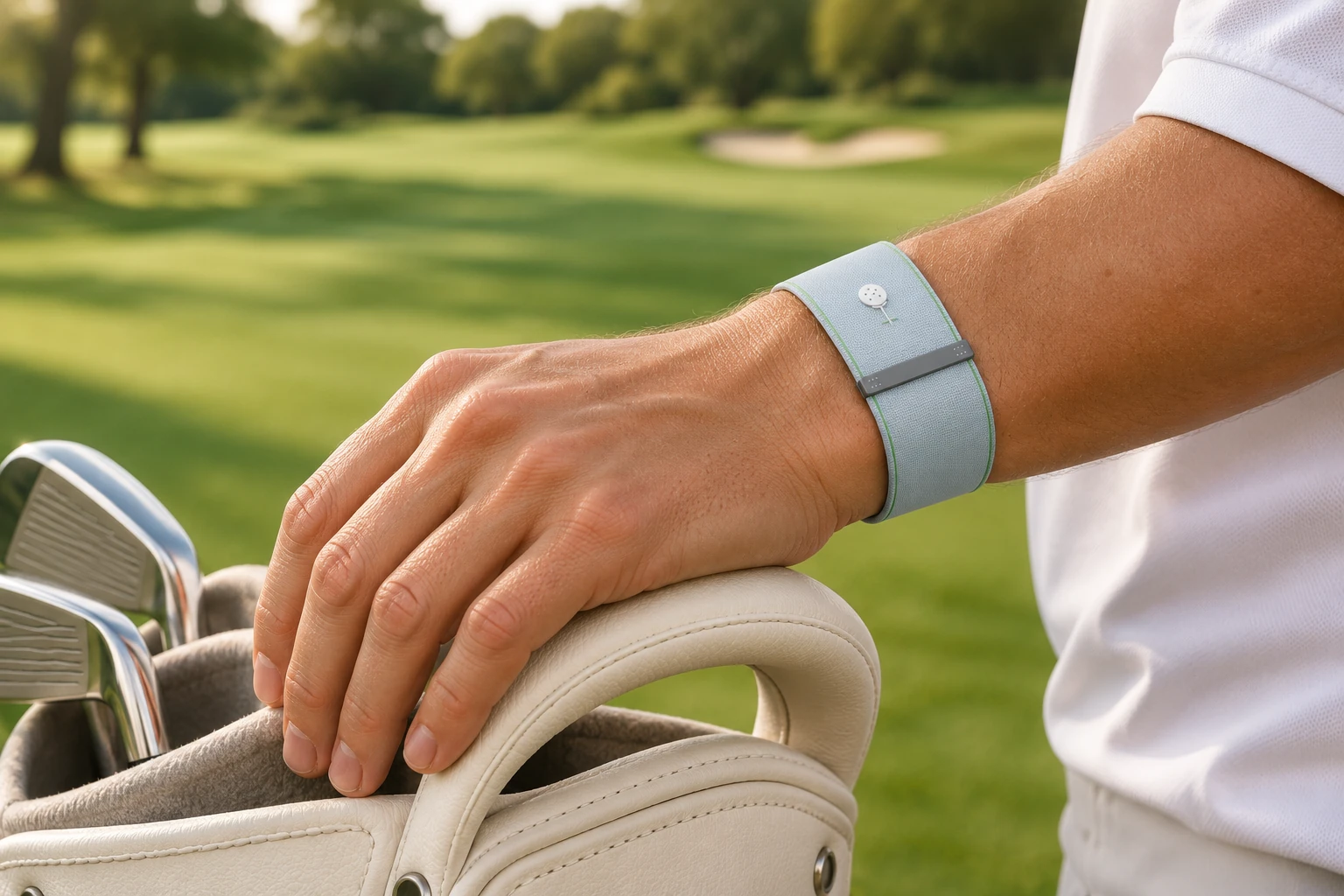
Which device fits the way you play?
| Your priority | What to look for |
|---|---|
| Choose a club on the course | GPS golf watch. Look for distances you can read before the shot. For example, the Garmin Approach S12 displays yardages to three parts of the green. Garmin’s guide (PDF) |
| Understand a repeated swing | Screenless golf wristband. BELTAKE GLOTA records individual swings and uses wrist motion to reconstruct a 3D path. Its app lets you compare the shape and timing after practice. |
| Follow everyday activity | Fitness band or smartwatch. Check the activity metrics you want, such as daily steps. If swing replay matters to you, check whether the specific model can record individual swings. |
| Measure the ball in flight | Launch monitor. Choose a model that reports the ball measurements you need, such as launch direction and carry distance. Trackman’s data definitions |
A ten-ball drill for your first session
Take one mid-iron, ten balls and one target. Keep the club and target the same so you can compare two sets of five.
Record five swings at your usual pace
Wear GLOTA and let it count each swing automatically. After each shot, note on a card whether the ball started left, right or on your target line. Keep the notes in shot order.
Pick one detail to practise
Reconnect your phone and open the five swings in the app. Compare backswing and downswing times. If the swings that felt rushed also had shorter backswings than your coach’s example, try their backswing rhythm for the next set.
Compare the next five
Replay each recorded wrist path and check whether the backswing times are closer together. Match the second set to your notes to see if more shots started on line. A professional wrist trajectory and the app’s AI suggestions can give you a specific point to discuss with your coach.
How do I check direction and distance?
For a straighter shot
Choose a visible target. Watch where the ball starts relative to that line, then which way it curves. A launch monitor with launch-direction data can put a number on the start line. Open the corresponding GLOTA record to see how your wrist moved on that swing.
For a longer carry
Mark where the ball first lands in relation to a known range marker, or use a launch monitor that reports carry. Compare several shots with the same club. Keep the ball’s roll separate when you judge the distance it flew.
Can I leave my phone behind?
Yes. GLOTA records at the range and on the course, and stores your latest three days of motion data. Reconnect within that window and your records sync automatically. In the app, choose a day to see your swing count, then open a swing for its timing and 3D wrist replay.